
Thank you page sharable buttons
Why is this template so important?
No one requested this template, yet it is one of the FIRST templates I am sharing as part of the Templates & Coaching membership.
That's because chances are most people don't even know they need this template.
"You don't know, what you don't know."
Well, I know - and you're here because you trusted me to lead you with templates, automations and processes to make your life easier and help grow your business.
This is one of those times I need you to pay close attention - you are going to want to make use of this strategy with every single funnel you will build from here on out.
If you don't, you're simply wasting an opportunity to grow your audience - unnecessarily.
Let's dive in:
Why is this template valuable and how can you use it? You work so hard to find customers... Word-of-mouth is the best source of customers. That's why this template is precious... it turns your new subscribers or buyers into ambassadors... you are making it EASY for them to share your landing page with their friends, business besties, and social media. This template will serve you for months and years to come if you remember to use it... How many subscribers can you get from this ONE hack and ONE template? If you actually IMPLEMENT this template in your business from here on out... The cost of this template membership would have been worth it. So go and do it!
Here is how:
Template Video Tutorial
Action steps checklist
As you scroll, you are going to see all the relevant resources and links to implement this template.
Including implementing this strategy even if you are not a Systeme.io customer.
Here is a checklist on how to edit this template:
Click on the sharable content block in your systeme account (you'll have it added to "my blocks")
go to "my blocks" and add it to the right page
Optimize the landing page you want people to share with all SEO settings
Go to the link generator websites linked and create the buttons, copy the new URL generated, and replace the button URL (make sure it stays open in a new tab)
Do this for every social media button you want people to share, you don't have to do them all
Edit the Instagram popup page with your own Instagram handle and URL (optional, record a video showing it)
Once done, test these buttons and make sure the SEO is optimized
Important links to customize the buttons
As explained in the tutorial, yes the installation of the template is with one click, but you need to customize the button and there are websites to help you do that.
The relevant link for the video: WhatsApp link generator = forward-action.github.io/whatsapp-link-generator LinkedIn, Twitter, Email, Facebook, etc sharable link generator = sharelinkgenerator.com Facebook Debugger = developers.facebook.com/tools/debug
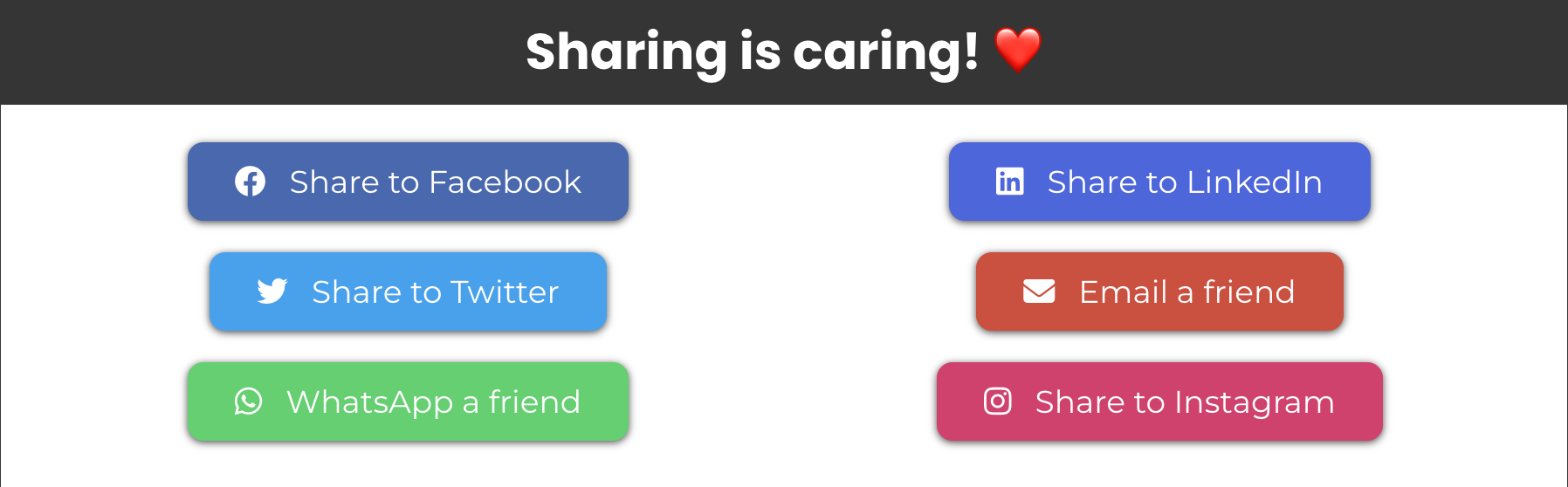
Template image V1
Click on the image to install the template in the "my blocks" of your Systeme editor.
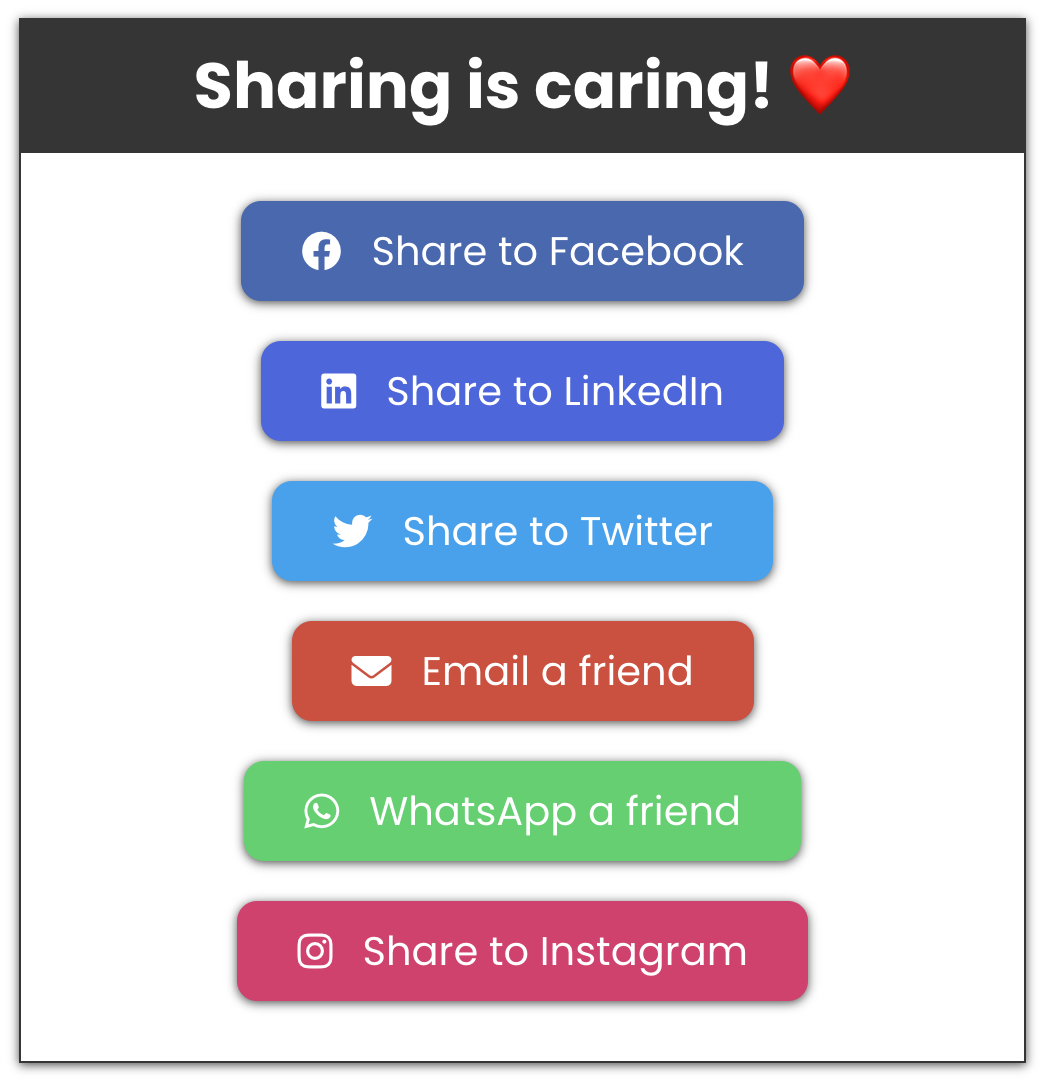
Template image V2
Click on the image to install the template in the "my blocks" of your Systeme editor.
Instagram Popup text & video example
Here is the text to copy, paste, and edit accordingly (highlighted in red the things to edit for sure)
How to share on Instagram?
Open your phone and search for @eranbucai (my Instagram account) and hit the follow button.
Then, take a picture of your screen showing your favourite blog and share it your Instagram story.
You can also record a video and scroll down showing the blog, sharing your commentary on what you liked about it.
Add a 'link' element to your story.
Type in the URL dotcomtruthsblog.com
And type your call-to-action in the 'customize sticker text' such as "Read the blog"
Tag me, @eranbucai on the story by adding a mention.
When done, share the story on your Instagram!
Optimizing the sharable link for SEO
You want to ensure that the link you give people to share is a short link and is optimized for SEO as that will show when people share it and it has to look professional.
Optimize the title, description and image.
==> click here for the Canva Template for Systeme blog post/pages
Not sure what SEO is?
Inspiration to see how and where I use this template
I'll admit, I have not always remembered to use this strategy.
But I can't stress enough how silly it is NOT to implement this every time you have a thank you page whether it is after someone joins your email list or buys something.
Here are some page inspirations where I have used it:
===> My Tech Set up session post appointment booking thank you page
Sharable Buttons Tutorial for non-systeme.io customers
You don't have to be a Systeme.io customer to implement this shareable buttons strategy.
You can be using WordPress, Zenler, Kajabi, or anything else...
It doesn't matter.
Watch the video below to learn how.
Systeme Block Template Installation

Hey, I'm Eran
I'm the CEO & Founder of Eran Templates (duh), since these are my templates 😉
I've worked for years to create digital assets in my business from email content, Canva slides and posts, website pages, and more.
Now is the time that I share all these creations with as many people as possible to give them a shortcut to getting things done with less time and less effort (without a hefty price tag).
This page was created for paid members only at this stage.
Please do not share it.
You are always welcome to join the affiliate program and help spread the word.
Visit: eran.link/jv