
Stripe Setup Workshop
What is this template and why you need it?
If you are selling anything online, chances are you are using Stripe to accept payments and there are some basic things to set up as part of that.
This video shows you what I did to customize things in my Stripe account.
This is not a "follow this exactly" type tutorial, but at least to give you some guidance.
Remember to customize it according to your business and preferences.
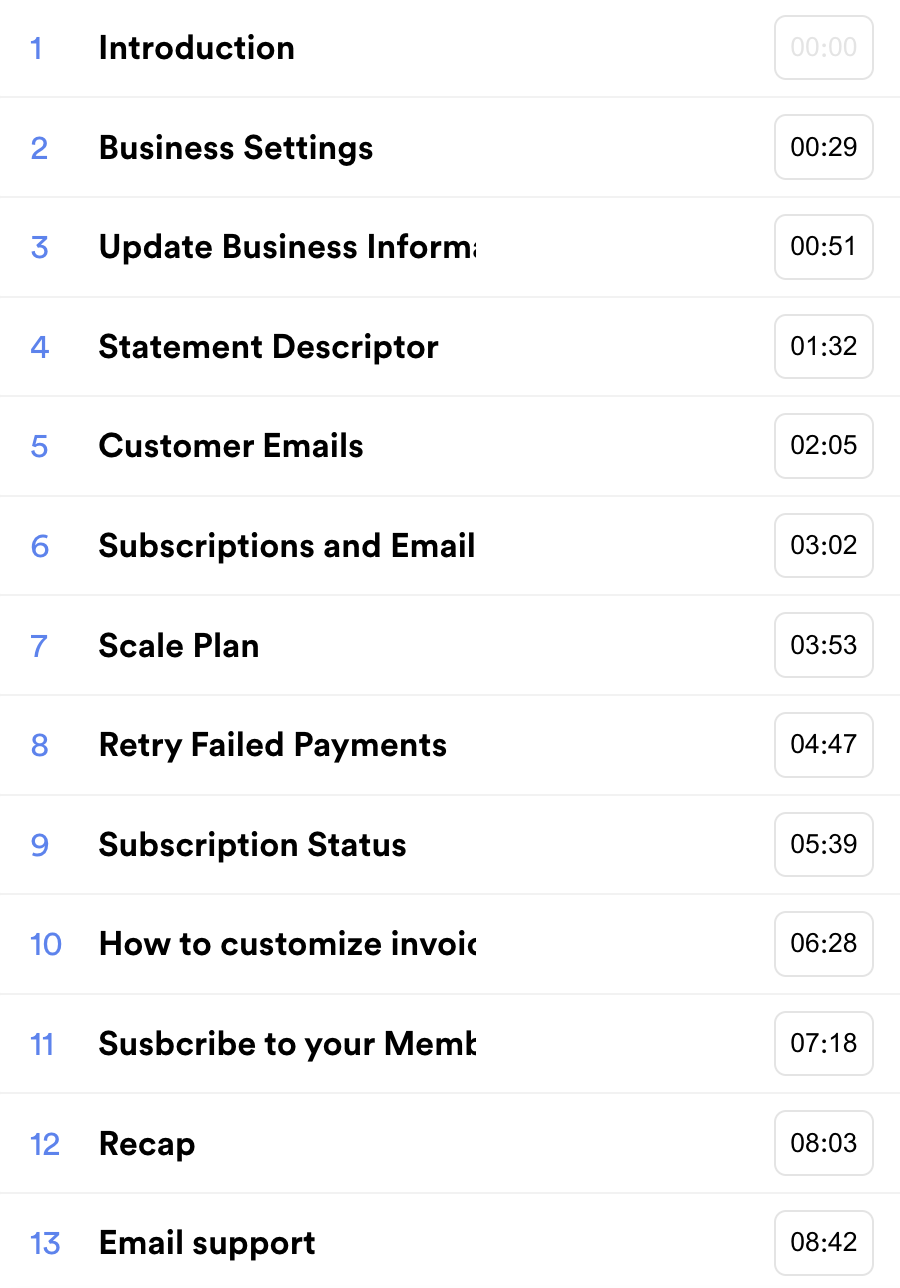
Video Chapters
Checklist
Here's a checklist summarizing the steps from the video.
Remember to adapt these steps to your specific business needs and preferences.
1. Access Stripe Settings:
- Click on the "Settings" button in the top right corner of your Stripe account.
2. Update Business Information:
- Scroll to the bottom left and access "Business Settings."
- Ensure your account details, public details, and business details are accurate.
3. Configure Public Information:
- Set your business name, support email address, and business address.
- Define a statement descriptor for bank statements to prevent refunds.
- Add your support website and privacy policy.
4. Access Customer Emails:
- Hover over "Customer emails" and click on "Send receipts and customize your email domain."
5. Configure Successful Payment Notifications:
- Enable notifications for successful payments.
- Customize the support email or leave it as default.
6. Customize Subscription Renewal Emails:
- Access "Subscription and emails."
- Choose to send emails about upcoming subscription renewals.
- Define the number of days before renewal to send the reminder.
7. Set Up Customer Emails for Failed Payments:
- Optionally, enable email reminders for failed payments.
- Specify the retry schedule (typically automated).
8. Manage Invoices and PDF Customization:
- Hover over "Settings" again, then click on "Branding."
- Customize your brand's icon, logo, and brand colors.
- Preview how the changes will appear on different pages, including the invoice PDF.
- Send a test receipt to see the email appearance.
9. Pro tip: Subscribe to Your Own Membership:
- Subscribe to your own membership plan to monitor invoice and email functionality.
10. Seek Clarification from Support (if necessary):
- Contact support to understand how Stripe handles specific payment scenarios and email notifications.

Hey, I'm Eran
I'm the CEO & Founder of Eran Templates (duh), since these are my templates 😉
I've worked for years to create digital assets in my business from email content, Canva slides and posts, website pages, and more.
Now is the time that I share all these creations with as many people as possible to give them a shortcut to getting things done with less time and less effort (without a hefty price tag).
This page was created for paid members only at this stage.
Please do not share it.
You are always welcome to join the affiliate program and help spread the word.
Visit: eran.link/jv