
New Vs Old Way Canva Template
The Old Vs New Image
Here is the actual image of the template you are receiving.
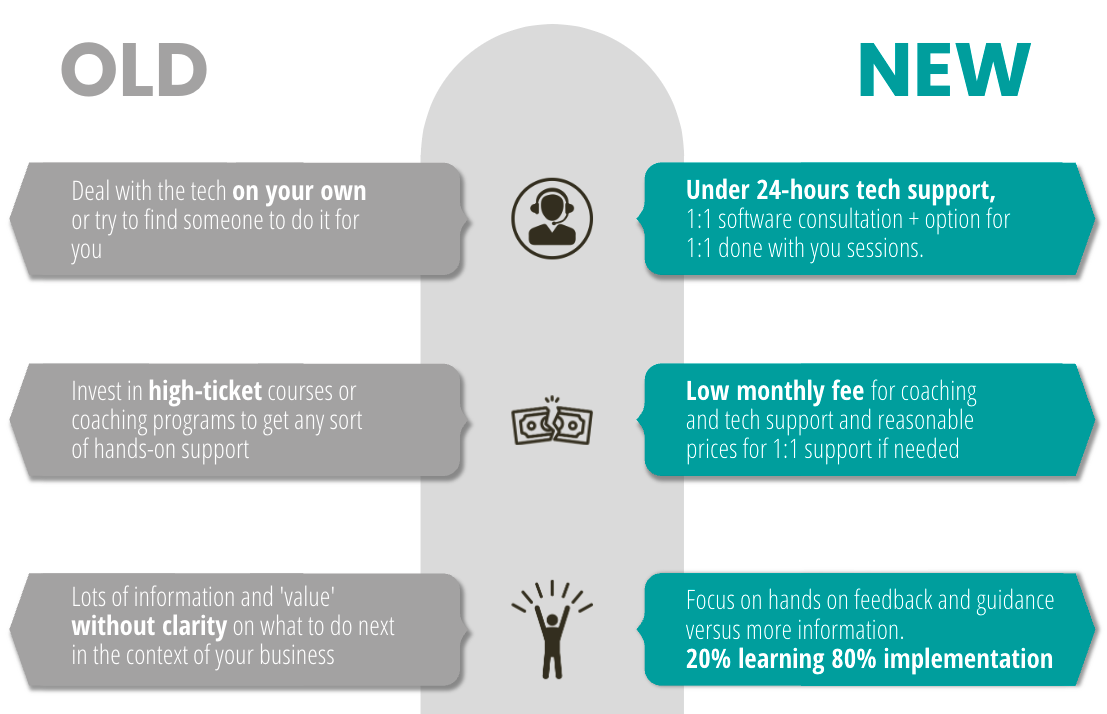
Why is this template important?
In the Book Expert Secrets by Russell Brunson, he talks about the concept of the "Epiphany Bridge".
The epiphany bridge is a tool used to help potential customers recognize the value in a product or service.
It works by helping customers identify a problem and then providing a bridge to understanding how the product or service can provide a solution.
The epiphany bridge is based on the concept that customers can better appreciate the value of a product or service when they can see how it can address their needs.
By creating a bridge between the customer's problem and the solution provided by the product or service, customers are better equipped to make a decision to purchase.
Spending time creating this visual for yourself, it's just about the visual or the "canva template".
It is about you getting extreme clarity about your messaging!
I've used this by showing people visually how the old way keeps them in the same spot and unable to make progress.
And how I developed this new way of doing things which will help solve their problems.
For example, I have used this in my copy for explaining my Done-With-You Website Building Services.
You can demonstrate this "epiphany bridge" through your text copy or visuals or both.
Here's an example of how I demonstrated it through copywriting on the above-mentioned sales page, which by the way, has generated over 100K in sales... (italicized below).
Copy example of the Epiphany Bridge in my sales page
My service is non-conventional.
I don't do the traditional DFY (Done-For-You) services on my own, i.e. with typical hiring a freelancer.
This is how it usually goes with that DFY model:
you give them the project,
they do it, and give it back to you.
You get the draft,
you go back and forth, etc.
This can literally drag on for months.
And by the end of it, even if you get a good result,
you still don't know how to use the software,
and you are left hostage to the technology or the next tech person you need to hire.
Websites and online businesses don't stay the same.
You need to add testimonials, tweak the copy, replace images, add pages, add video content, etc.
No problem having someone else do it, but you should have familiarity with what's going on.
Otherwise you're blind and it will come back to bite you.
To solve that, what I do get the job done AND teaches you at the same time.
Here is how it goes.
I get on a zoom call with you for a session of 1-2 hours.
We brainstorm what you want to get done and outline the full strategy,
sequence of the pages,
copywriting if you need help with that,
design of the pages, etc and all that stuff.
You then give me access to your New Zenler account.
I share my screen with you, and actually implement everything we just discussed and do it for you, but with you.
That way you can see what I'm doing, how I'm doing it, and we can get the project done together.
This way you also save time getting it done,
but you also learn from the process so you can continue and grow your website and pages on your own.
I am very fast with setting things up with New Zenler and can get you set up in a matter of days instead of weeks or months.
The more content you have prepared the faster it can be.
My speed record is getting a membership set up in 1 hour and 20 minutes...
It can literally be that fast.
For context, the sales page that this copy is taken from has generated me over 100K in sales.
This is a proven sales page.
See what I did there?
I explained the old way of building websites.
Outlining the painful process that how it's usually done.
Then I explained how I do it differently.
I can also grow on this further and tell the back story of how I came about this "epiphany", hence the term "epiphany bridge".
Epiphany Bridge: Old Vs New in social posts and comments
I have shared openly that other people's Facebook Groups have been the best source of leads and customers from me when I first got started.
Even I have repeated this over and over, it may not be clear WHY.
Facebook comments is a greatly place to get exposure to lots of eyeballs (i.e. potential customers), and it is a place to showcase your expertise using sales copy.
Don't think of your Facebook comment as a "comment".
It is SALES COPY!
And this epiphany bridge, old vs new copy content, is one of the most valuable comments I use repeately.
I don't even have to write it each time.
I wrote it ONCE, created a text automation, and have used it over and over and over.
So, I have a text automation set up in TextBlaze, with the exact copy that has proven to work whenever someone is posting something about getting help with their website.
This is the copy I use as a comment:
so my method is non-conventional, I basically build your funnel/online course for you, but with. I do it on zoom, while sharing screen, and it is a super effective and efficient way to get your course/membership/funnel set up fast AND you learning how to do stuff on your own too. Would you be interested to learn a bit more about this works, the pricing, etc?
I make sure that I space it out in the comment section to make sure that "hijacks the feed", a concept I explained in my Facebook Organic Mini-Course and in my blog post about "the hustle of finding clients and building an audience".
Here is an actual screenshot of a comment I did on someone's post in someone else's Facebook group.
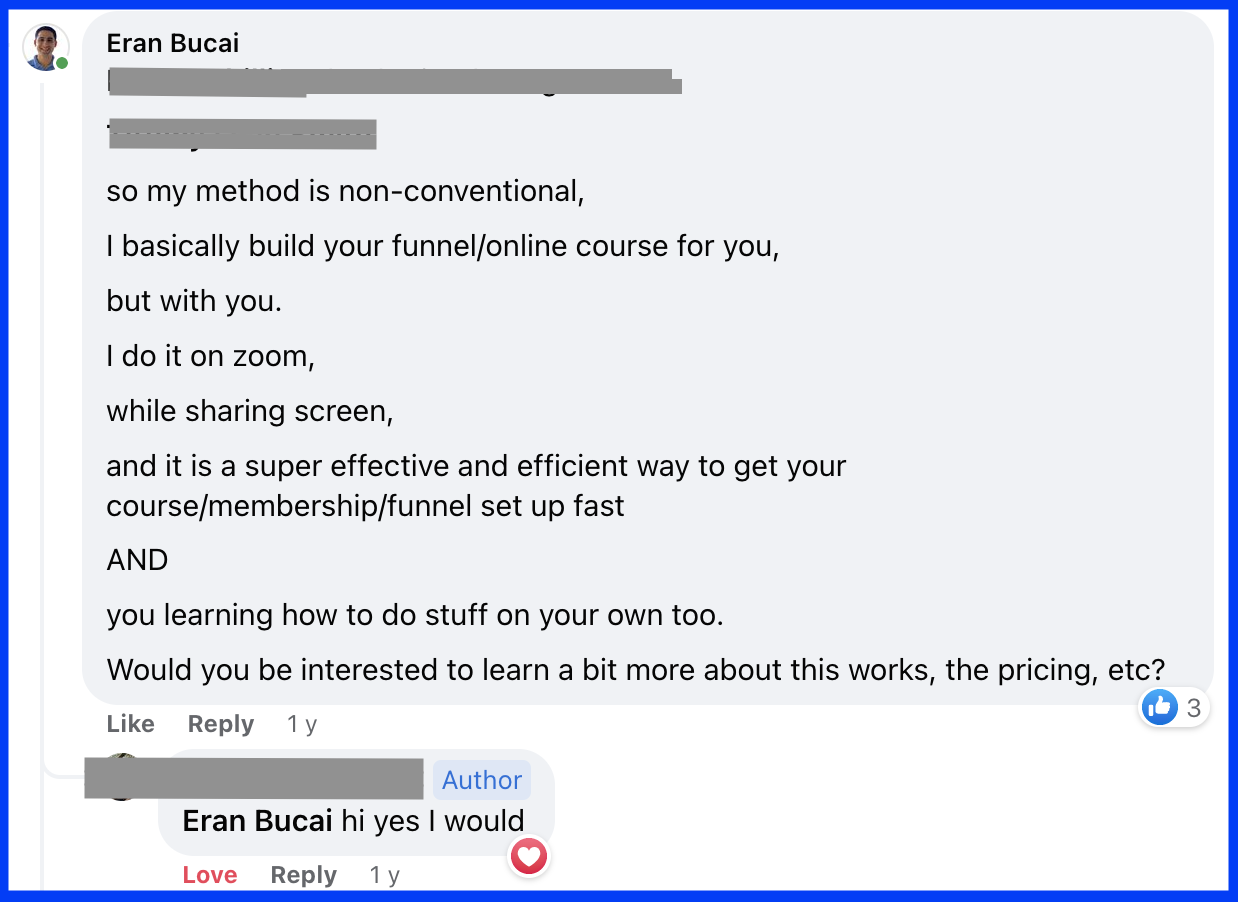
When writing this page, I was searching for a comment image to screenshot (the one you see above).
I chose it at random.
Then I looked at the comment section, and I counted 4 paying clients I got from this ONE post.
Over $1000 in sales just from this one comment.
That's the power of copy that convert using the Epiphany Bridge.
Now, this page is title "old vs new" because if I titled it "Epiphany Bridge", chances are you have no idea what it is and wouldn't even open this page to read it.
But now that you have a big of understanding of what it is, hopefully you'll appreciate the importance of figuring out that aspect of your offer so you can get better conversion and more clients.
Old Vs New Canva Template
This brings me to the final piece of this page which is the Canva template.
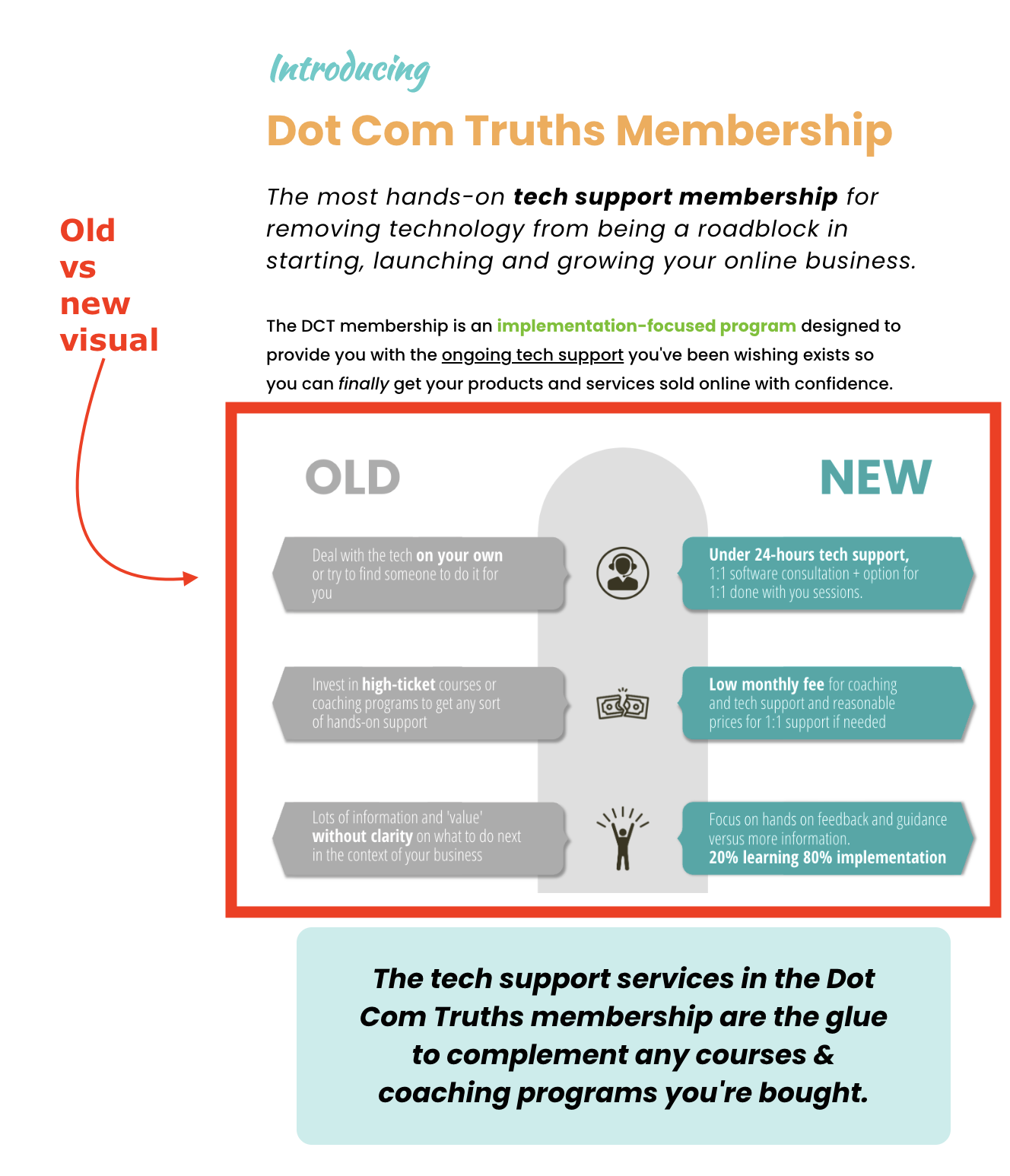
This template is based on an image I used in my Dot Com Truths Tech Support Membership Sales page.
==> Visit eran.link/dct to see it
I also used the same slide in webinar presentations, and it can be used on social media posts.
You simply need to resize the dimension of the image to make it fit whatever you are trying to create.
Here is an image of how it fits within my sales page of the membership.
You can also use this visual in other places:
Lead Magnet
Landing Page
Sales page
Social media post
And more
Below is the template (you can slide through) and also linked as a button as a sharable Canva Template.

Hey, I'm Eran
I'm the CEO & Founder of Eran Templates (duh), since these are my templates 😉
I've worked for years to create digital assets in my business from email content, Canva slides and posts, website pages, and more.
Now is the time that I share all these creations with as many people as possible to give them a shortcut to getting things done with less time and less effort (without a hefty price tag).
This page was created for paid members only at this stage.
Please do not share it.
You are always welcome to join the affiliate program and help spread the word.
Visit: eran.link/jv