
Calendar Screenshot for Booking Thank You Page
What is this template and why you need it?
As a coach or service provider, you often want to hop on a Zoom call with potential customers.
As part of that you use a booking calendar software such a Calendly or TidyCal.
When someone books a call, you want to make sure they add the event to their calendar.
This process is mostly automated with these booking calendar software tools.
However, you want to make it super easy for them to do and you can do that by having a great "thank you page" after they book a call.
On the page they see after booking a call (aka Homework Page or Thank you page) you can put a screenshot showing how to add the event to their calendar.
And also, to indicate to Gmail that they know the person sending the email (i.e. you).
This will also help with email deliverability since you are going to have email reminders set up.
Here is what it looks like:
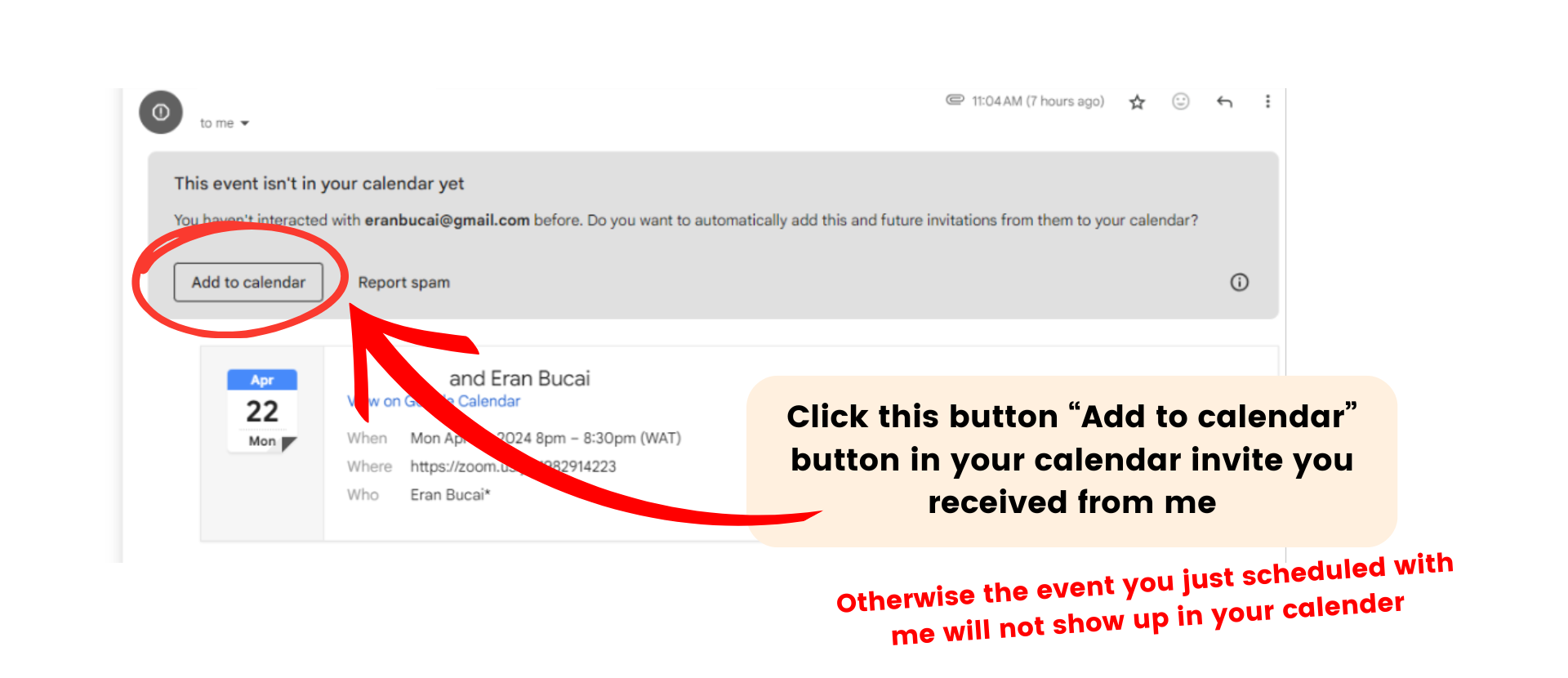
Here is the link to the Canva Template.
Customize it if you wish, download it as a png with transparent background, and upload it as an image to your preferred platform - wherever you are setting up your thank you page.
PS - this is a template that is included in the "Application Funnel Website DIY Course." Homework page is explained in the checklist you can see below.

Hey, I'm Eran
I'm the CEO & Founder of Eran Templates (duh), since these are my templates 😉
I've worked for years to create digital assets in my business from email content, Canva slides and posts, website pages, and more.
Now is the time that I share all these creations with as many people as possible to give them a shortcut to getting things done with less time and less effort (without a hefty price tag).
This page was created for paid members only at this stage.
Please do not share it.
You are always welcome to join the affiliate program and help spread the word.
Visit: eran.link/jv